
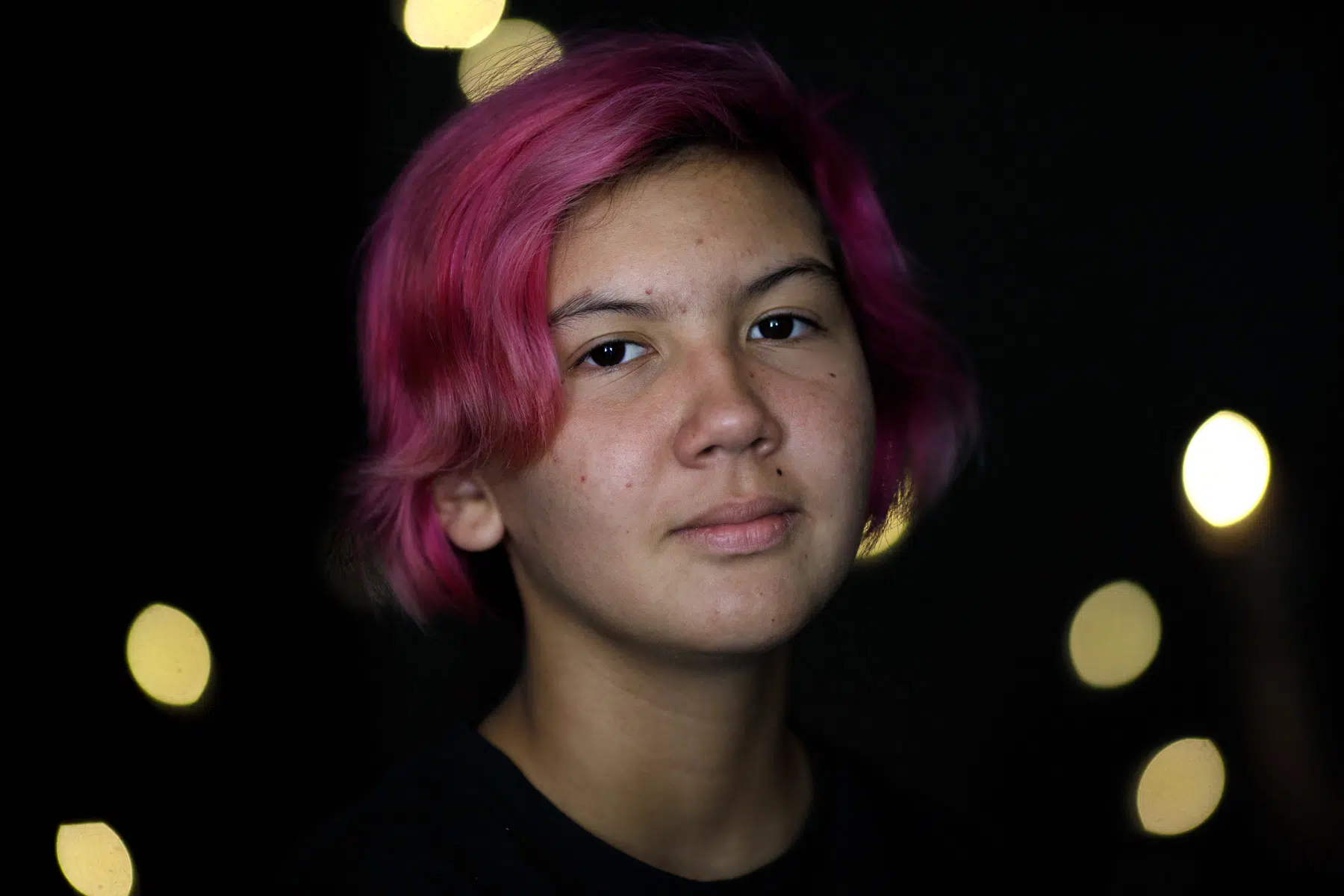
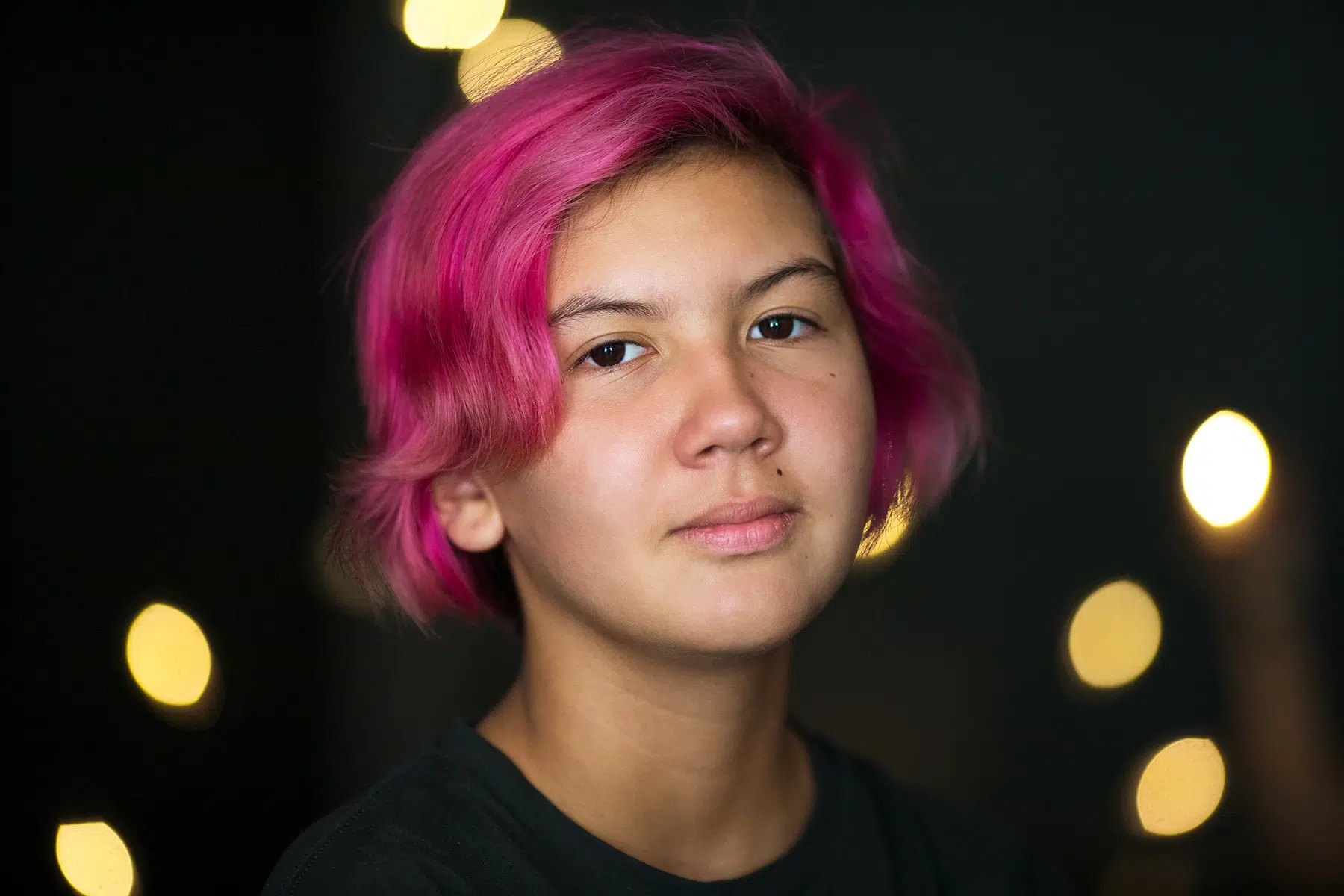
Drag to see how exposure, shadows and color adjustments bring out detail in the original photograph.
LIGHTROOM II
CONNECTICUT · AGES 13+
Take control of your photographs from import to final image.
Lightroom Classic is much more than an editing program. It’s a powerful system for organizing, developing and managing your photography.
In this hands-on workshop, we’ll go beyond basic adjustments and explore how to build an efficient workflow—from importing and organizing photographs to making precise edits and preparing finished images for print, web and sharing.
We’ll work with Lightroom’s masking tools to make targeted adjustments, explore ways to create a consistent look across multiple photographs and learn how to get more out of the Develop module without moving into Photoshop for every adjustment.
Practice images will be provided to test various techniques, but students are encouraged to bring their own photographs to work on.
Please be sure to review the requirements below.
WHAT YOU’LL LEARN
- Importing with presets and metadata
- Organizing photographs, folders and collections
- Filtering with labels, ratings, flags and keywords
- Advanced adjustments in the Develop module
- Using masks for targeted corrections
- Creating and using presets
- Synchronizing edits across multiple photographs
- Exporting photographs for print, web and sharing
WHAT TO BRING
Laptop with Lightroom Classic installed
A selection of your own photographs to work on
REQUIREMENTS
Some prior experience with Lightroom Classic is required.
Please have the current version of Adobe Lightroom Classic installed on your laptop before arriving. Lightroom Classic is included in Adobe’s Creative Cloud Photography plan.
WORKSHOP DETAILS
Ages: 13+
Date: TBD
Experience: Some LR experience required
Class size: Maximum 8 students
Location: Weston, CT
Tuition: $325


Drag to see how targeted adjustments bring out skin tone and detail.
how the workshop works
LEARN
We demonstrate Lightroom techniques step by step as students follow along on their own laptops.
EDIT
We put those tools into practice, working through exercises and applying them to our own photographs.
REVIEW
We look at our edits together, troubleshoot problems and explore different approaches to getting the most out of an image.
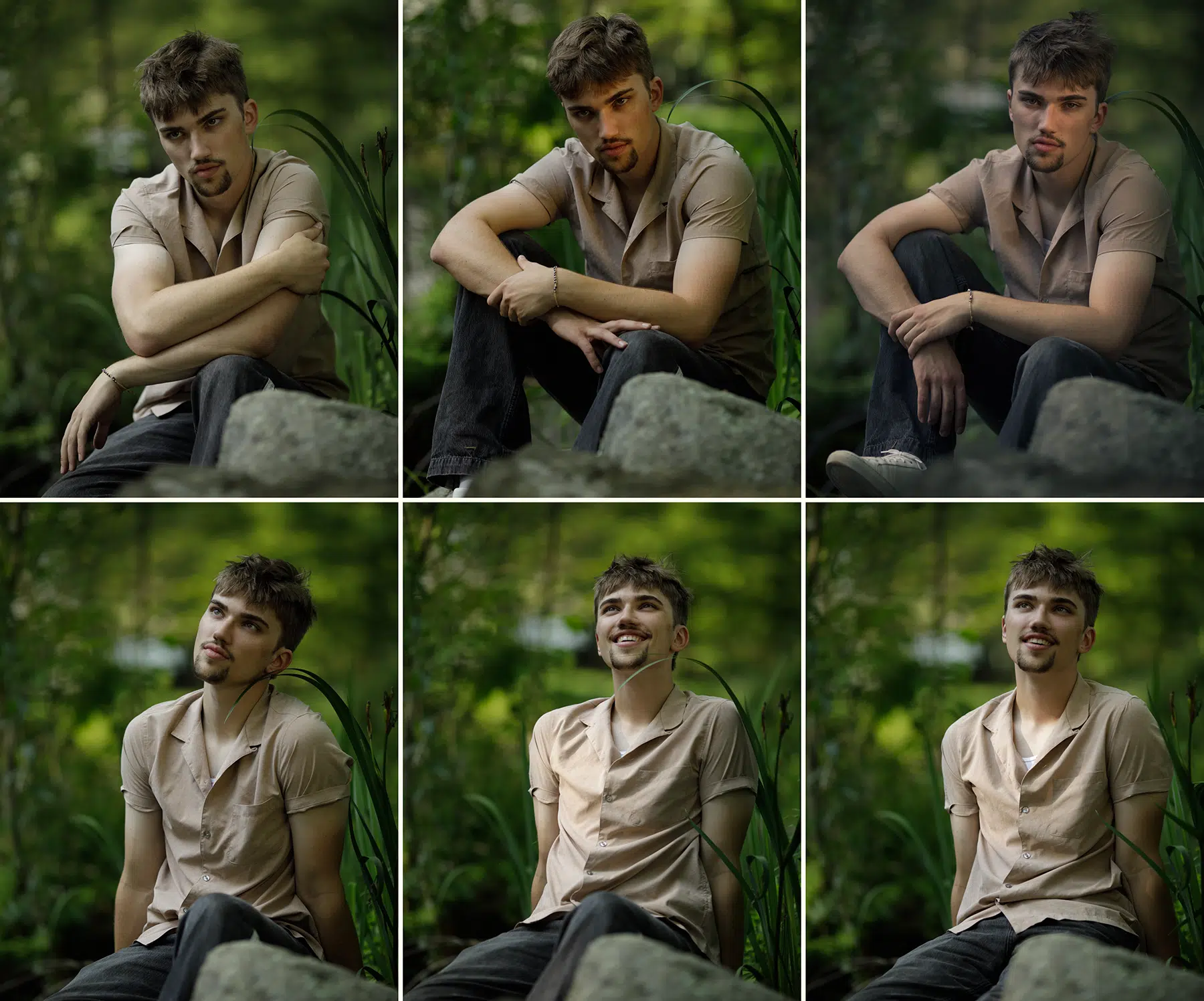
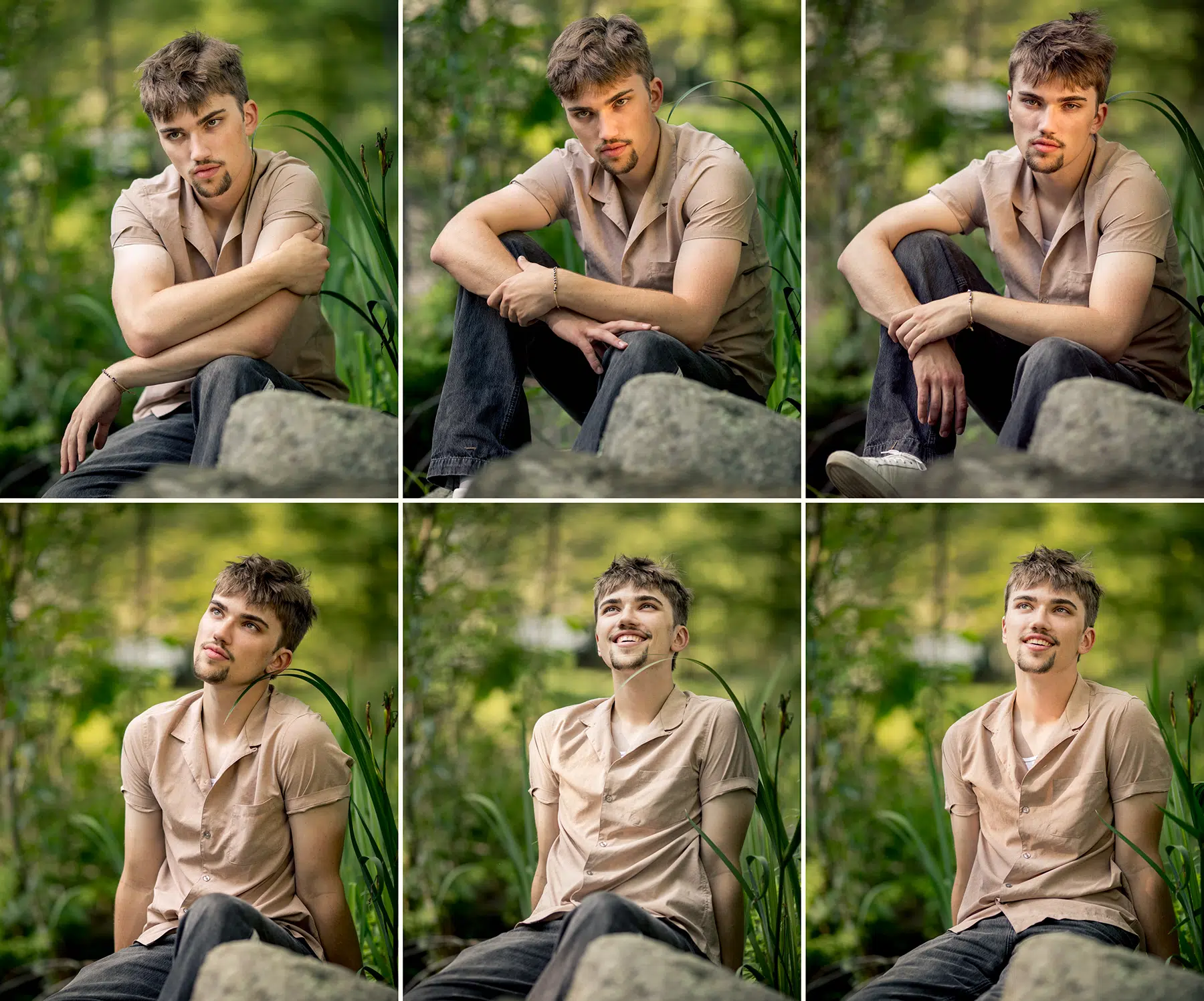
Drag to see how six different portraits can be edited to share a consistent look and feel.
LOCATION
Weston, CT
Exact location provided upon enrollment.
Parking
Parking details provided before the workshop.
QUESTIONS
Yes. You’ll go home with anything you create.
It’s important to have a basic understanding of how Lightroom works, so you can navigate the interface. The Intro to Editing Workshop is designed to prepare you for the Lightroom II workshop.
We encourage you to bring your own photographs, but we have plenty of images to practice with.
Please have the current version of Adobe Lightroom Classic installed on your laptop before arriving. Lightroom Classic is included in Adobe’s Creative Cloud Photography plan.
Workshops require a minimum of three participants. If a workshop is canceled due to insufficient enrollment, participants will receive a full refund or may transfer to another available date.
If you cancel your enrollment, refunds are made as follows:
– More than 3 weeks before the workshop begins: full refund, less a cancellation fee 4% of tuition.
– 1–3 weeks before the workshop: 50% refund
– Less than 1 week before the workshop: non-refundable
– Once the program has begun, tuition is non-refundable, but unused sessions may be credited toward a future workshop.
Workshop credit is available through the following year.
Full details are under Withdrawals & Refunds on our Policies page.